
GHL Setup and Automation: Build a Reliable Follow-Up Workflow
IA Solutions · Practical service guide
A new enquiry arrives. Nobody sees it until tomorrow. Another lead receives two reminders after already booking. Automation can help with both problems—but only when the rules are clear.
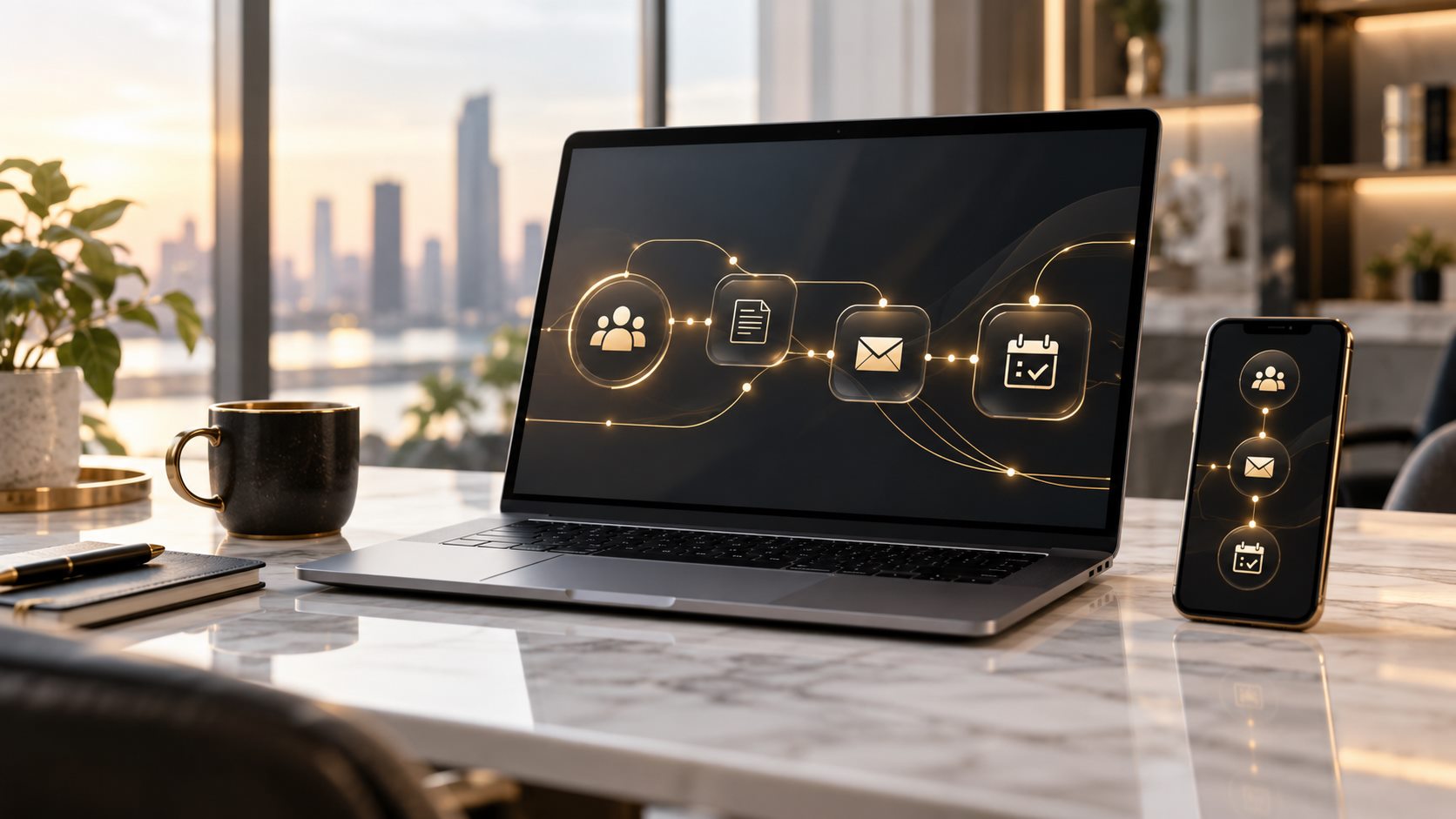
GHL setup and automation organizes how GoHighLevel captures information, updates records and runs follow-up steps. A useful workflow has a defined entry event, clear conditions, an owner and a way to stop when its job is done.
Map the Customer Journey Before Building a Workflow
- Where does the enquiry originate?
- Which fields must be present before follow-up?
- Who owns the record?
- What should happen if the person replies or books?
- Which messages are permitted for this contact?
- When should the workflow stop or pass control to a person?
Start with one measurable problem. For example, route a relevant new enquiry to the right team member and create a follow-up task. A small, understandable workflow is easier to test than an entire sales journey built at once.
Understand Triggers, Conditions and Actions
| Component | Question to answer | Example |
|---|---|---|
| Trigger | What starts the workflow? | A qualifying new contact is created. |
| Condition | Who should enter or skip it? | Required source and contact fields are present. |
| Action | What should happen next? | Assign an owner and create a task. |
| Wait | When should the next step occur? | After an agreed interval within the contact’s time zone. |
| Exit | What ends the sequence? | A booking, reply or other approved stop event. |
HighLevel’s Contact Created documentation explains its new-contact trigger and filters. It also distinguishes supported creation events from bulk imports. Confirm the behavior of the specific trigger you use instead of assuming that every new row will start the same sequence.
Build GHL Automation in Reviewable Stages
1. Prepare the account and records
- Agree pipeline stages and field names.
- Check duplicate-handling rules.
- Set team ownership and appropriate access.
- Confirm calendars, sending settings and any required integrations.
2. Configure the smallest useful sequence
Use descriptive workflow names and document the intended outcome. Avoid several workflows independently sending the same reminder. Keep internal notifications separate from customer-facing messages so each can be reviewed clearly.
3. Test the unusual cases
- A missing email address or phone number.
- A contact already present in the CRM.
- A record that does not match the entry filter.
- A reply or booking before the next message.
- An opted-out contact or a suppressed channel.
- A form submission near the end of the local working day.
Testing should use controlled records and approved destinations. Review logs and confirm that the right person receives the task. Do not activate a broad customer sequence simply because the first test ran successfully.
GHL Setup for the USA, UK and Canada
GoHighLevel automation for USA businesses, GHL setup for UK teams and GoHighLevel support for Canadian companies should reflect local operations. A single account may serve several markets, but every contact should not inherit the same schedule.
- Store the contact’s market and time zone explicitly.
- Distinguish transactional reminders from promotional campaigns.
- Check sender identities and the rules relevant to each channel.
- Use clear date, currency and appointment-display conventions.
- Keep an accessible record of preferences and opt-out status.
Available features, messaging requirements and integrations can depend on your account and providers. Agree the scope around the tools you actually have. Avoid promising that a workflow will create a fixed number of appointments or sales.
What to Monitor After Launch
- Records entering and leaving each workflow.
- Failed actions and the reasons recorded in execution logs.
- Unassigned leads or tasks that remain overdue.
- Duplicate or unexpected messages.
- Bookings and qualified conversations, measured separately from workflow runs.
Clean inputs matter. Use CRM management to keep fields consistent and lead research to bring relevant prospects into the process. IA Solutions offers GHL setup and automation support with the project scope agreed around your workflow.
Frequently Asked Questions
Is GHL automation a replacement for sales staff?
No. Automation can route records and perform agreed actions. People still need to handle context, exceptions and conversations that require judgment.
Will importing contacts start every workflow?
Do not assume so. Trigger behavior differs, and HighLevel documents exceptions for bulk imports. Test the exact import and workflow combination before using it at scale.
Can one workflow cover multiple countries?
It can if its rules properly handle markets, time zones and communication preferences. Separate workflows may be clearer when the customer journeys differ.
What should we automate first?
Choose a recurring task with clear inputs and a simple success check, such as assigning an eligible enquiry and creating an internal follow-up task.
Conclusion
Reliable automation starts with a well-defined journey, clean records and careful tests. Build one useful workflow, review its results and expand only when the behavior is understood.
Talk to IA Solutions about your project, or explore our business support services.


Comments are closed